
I prompt in sketches.
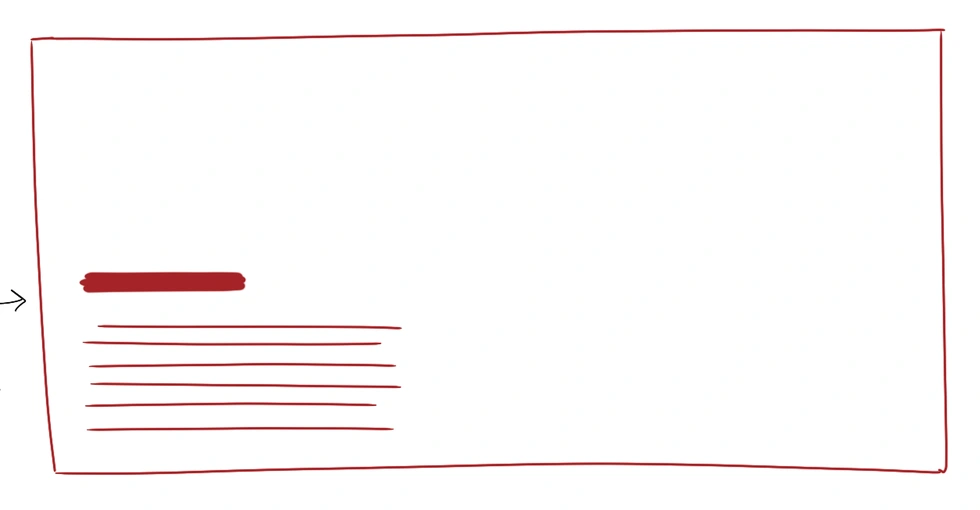 My sketch
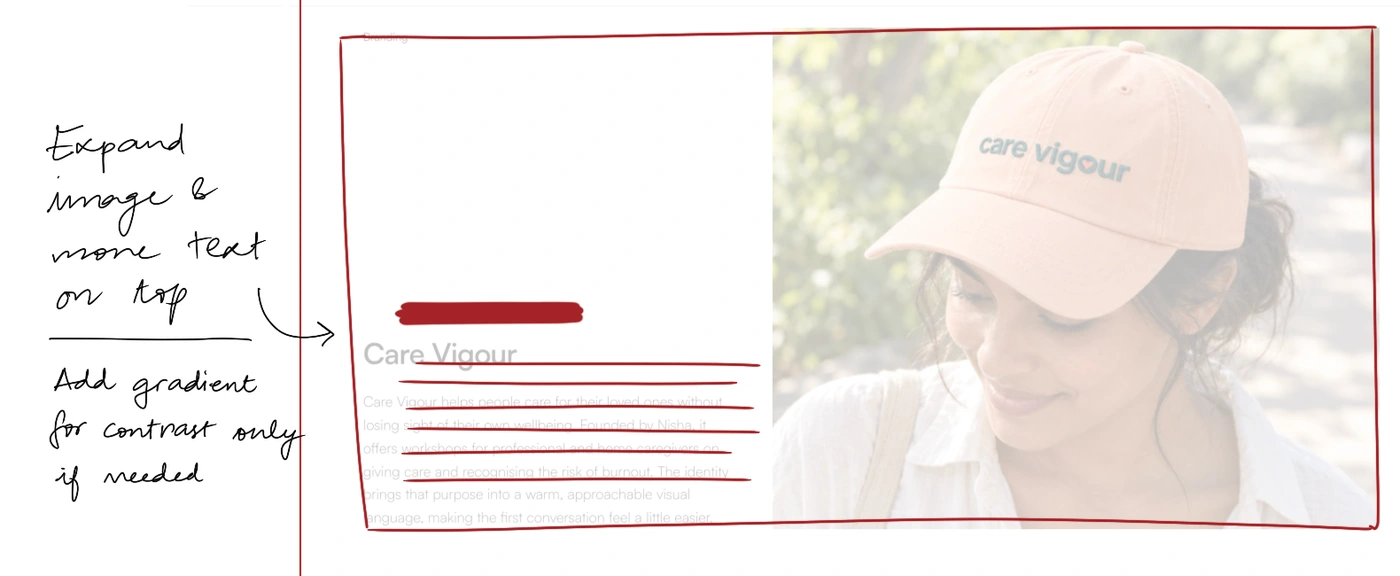
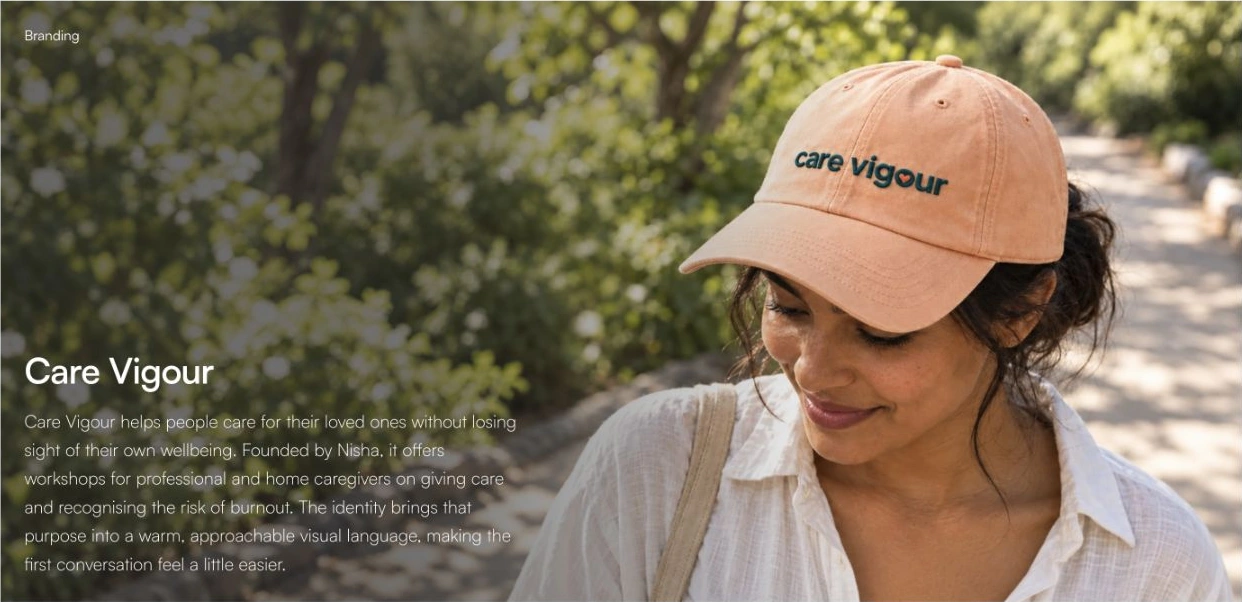
Every design I make starts as a sketch. I sketch what I want and hand it to my AI. When the AI is done, I take a screenshot and draw all over that too. Like the faculty at my design college, I mark up the layouts and screens in red ink, with comments in the margins. It goes back in for another round, and another, till the screen on my laptop looks closer to what I had in my head.
The sketch carries everything I’d otherwise have to type. Two arrows and a circled button hold the spacing, the hierarchy and how annoyed I am, all in one image.
I’ve sketched floor plans and interior views, app screens and websites, and an elevation for my bookshelf. My journals are drawings with words in the margins. I’ve been told this is a unique way to design. I can’t say. It’s the only way I’ve had. Why change it now just cuz AI came into the picture?
My Instagram is full of “how to get Claude Code to design better,” and all of it is aimed at the AI. I’ve saved innumerable skills, git repos and plugins myself, and yes, I use them. My language is still the sketch. I’ve realised you don’t have to learn the AI’s language first. Bring yours, whatever it is: a voice note if you think out loud, a moodboard if you think in references, a whiteboard photo taken at 1am, hell, even a spreadsheet if that’s how your brain works.
So download whatever skills you see fit for your AI. The process, though, is yours to curate.